
← Blog Hub Framework Comparison ⏱ 10 min read

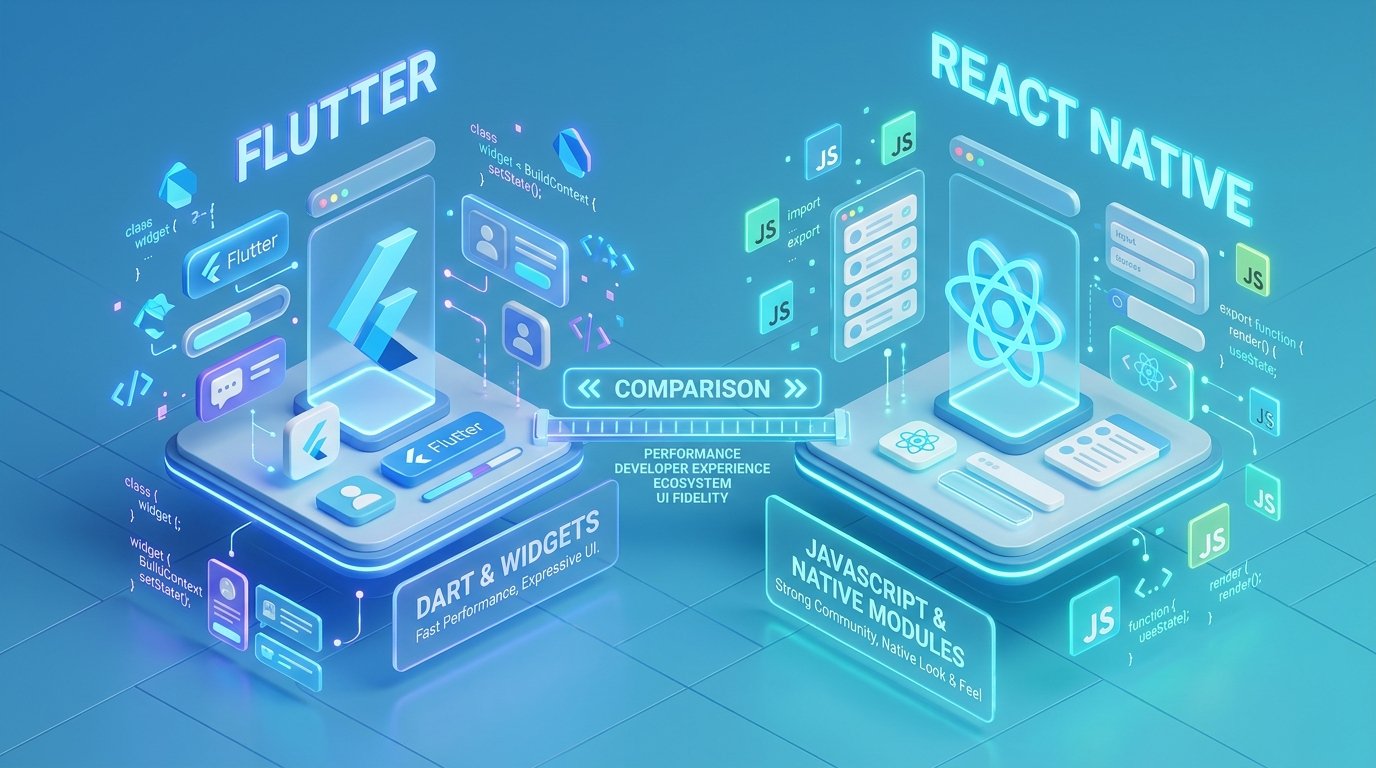
Flutter vs React Native in 2026: Comprehensive Performance, Cost, and Architecture Comparison

PK
Prasad Kamble
Independent Flutter & Mobile Developer • August 28, 2026
Flutter vs React Native in 2026: Comprehensive Performance, Cost, and Architecture Comparison

Executive Summary: The Cross-Platform Landscape in 2026

Selecting the right cross-platform mobile framework in 2026 remains one of the most critical architectural decisions for startup founders, CTOs, and product managers. For over half a decade, Google’s Flutter and Meta’s React Native have dominated mobile app development, rendering separate native iOS (Swift) and Android (Kotlin) codebases financially unnecessary for 90% of commercial applications.

However, the technological landscape has evolved dramatically. Flutter’s Impeller rendering engine has completely eliminated shader compilation jank on iOS and Android, while React Native’s New Architecture (Fabric and TurboModules) has removed the legacy JavaScript bridge in favor of synchronous C++ bindings. This guide provides an unbiased, production-tested breakdown of how both frameworks compare across performance, engineering costs, UI fidelity, ecosystem support, developer ergonomics, and long-term maintenance.

Whether you are building a consumer marketplace, a high-frequency fintech wallet, or an enterprise SaaS companion application, understanding these foundational differences will help you avoid costly technical rewrites and maximize engineering velocity.

Core Architectural Differences: Impeller Engine vs Fabric C++ JSI

To understand the performance characteristics of Flutter and React Native, you must look at how each framework paints pixels to the screen and executes application logic.

Architectural Metric Flutter (Dart + Impeller) React Native (JS/TS + Fabric)
Rendering Model Direct canvas rendering via Impeller (Vulkan / Metal) Native OEM Platform Views mapped via Fabric JSI
Language Dart (AOT-compiled to native ARM64 machine code) TypeScript / JavaScript (JIT / Hermes Bytecode)
UI Consistency 100% pixel-perfect identical across iOS & Android Platform-adaptive; adheres strictly to OS native styles
Bridge Overhead Zero bridge; direct native binary execution Zero legacy bridge with Fabric; uses C++ JSI direct calls
Startup Time (Cold) ~180ms – 240ms on modern devices ~220ms – 310ms with Hermes pre-compiled bytecode
Desktop / Web Target First-class Web, macOS, Windows, Linux compilation React Native for Web / Windows (requires third-party config)

Flutter behaves like a high-performance 2D game engine tailored for user interfaces. Every button, list item, and dialog is drawn directly onto a GPU surface via Vulkan (on Android) or Metal (on iOS). This ensures that an app looks identical whether running on an iPhone 16 Pro or a budget Xiaomi Android device. In contrast, React Native instantiates actual native UI components (UIView on iOS and android.view.View on Android). While this provides natural platform adaptation, it can lead to subtle visual discrepancies across operating system versions and custom manufacturer skins.

Runtime Performance, Memory Footprint, and Animation Benchmarks

Historically, both frameworks faced performance criticisms: Flutter suffered from initial shader compilation stutter on iOS, while React Native struggled with asynchronous bridge serialization when passing massive data arrays (like real-time Bluetooth telemetry or complex gesture tracking).

In 2026, both ecosystems have largely resolved these issues through architectural rewrites:

  • Flutter Impeller: By pre-compiling all runtime shaders during build time, Impeller delivers rock-solid 60 FPS and 120 FPS ProMotion animations without frame drops, even during heavy scrolling on complex list views.
  • React Native Hermes + Fabric: Hermes compiles JavaScript into optimized bytecode during build time, drastically improving memory consumption and cold startup times while Fabric provides synchronous layout passes.

Below is a typical stateful counter in Flutter demonstrating Dart’s clean reactivity and null-safe type system:

// Flutter Clean Widget Example
import 'package:flutter/material.dart';

class CounterScreen extends StatefulWidget {
  const CounterScreen({super.key});

  @override
  State<CounterScreen> createState() => _CounterScreenState();
}

class _CounterScreenState extends State<CounterScreen> {
  int _counter = 0;

  void _increment() => setState(() => _counter++);

  @override
  Widget build(BuildContext context) {
    return Scaffold(
      appBar: AppBar(title: const Text('Performance Benchmark')),
      body: Center(
        child: Column(
          mainAxisAlignment: MainAxisAlignment.center,
          children: [
            Text(
              'Interactive Count: $_counter',
              style: Theme.of(context).textTheme.headlineMedium,
            ),
            const SizedBox(height: 16),
            ElevatedButton.icon(
              onPressed: _increment,
              icon: const Icon(Icons.add),
              label: const Text('Increment'),
            ),
          ],
        ),
      ),
    );
  }
}

Development Cost, Hiring, and Talent Acquisition in 2026

For early-stage startups and funded enterprises, total cost of ownership (TCO) is determined by developer availability, hourly rates, and code reuse percentages.

Code Sharing: Both frameworks achieve 85% to 95% code sharing between iOS and Android. However, Flutter also allows seamless compilation to Web, macOS, Windows, and Linux from the exact same codebase with zero modifications, making it superior for multi-platform products.

Talent Pool: React Native benefits from the vast global pool of JavaScript and React web developers. A company with an existing React web dashboard can often transition developers into React Native within 2–3 weeks. Flutter developers are specialized mobile engineers who typically produce higher-quality native mobile architecture and cleaner state management out of the gate.

Ecosystem Stability: Flutter is maintained as a cohesive single monolithic framework by Google, meaning upgrades to the SDK rarely break third-party packages. React Native relies on a more fragmented open-source package ecosystem where version mismatches between native pods and npm modules can occasionally introduce build friction.

When to Choose Flutter vs When to Choose React Native

To make the right choice for your project, follow this battle-tested decision rubric:

Choose Flutter if:

  • You need custom, highly brand-tailored, fluid UI design with complex micro-animations and custom canvas painting.
  • You plan to deploy to iOS, Android, Web, and Desktop from a single unified repository without managing separate codebases.
  • You want rock-solid consistency where your app looks and behaves identically across every device model.
  • You are building an MVP and need the fastest time-to-market with the lowest post-launch bug count.

Choose React Native if:

  • Your team consists entirely of seasoned React.js web developers with strong TypeScript and npm package skills.
  • You rely heavily on existing React web libraries or plan to share business logic with a Next.js web application.
  • Your app relies primarily on standard platform UI elements and OEM system controls.

Frequently Asked Questions

Is Flutter faster than React Native?

In raw UI rendering and complex canvas animations, Flutter generally outperforms React Native due to Dart's ahead-of-time (AOT) machine code compilation and the Impeller GPU engine. In typical CRUD/form apps, both frameworks feel equally responsive to the end user.

Can I convert a Flutter app to native later?

You rarely need to. Flutter compiles directly into native binaries (ARM64 machine code). Companies like BMW, Google Pay, Nubank, and Alibaba run Flutter at massive scale with hundreds of millions of active users.

What is the app download size difference?

A baseline release build in Flutter is typically ~12MB to 16MB on Android and ~18MB on iOS. React Native release builds are comparable (~14MB to 20MB). Both support dynamic asset delivery and split APK architectures to minimize download sizes.

Technical Architecture Deep Dive: Enterprise Code Patterns

To ensure high performance, code maintainability, and seamless scalability across multiple platforms, production mobile applications must follow disciplined software design patterns. In high-traffic commercial environments, ad-hoc state updates and unbuffered network calls inevitably cause UI stutter, memory leaks, and difficult-to-reproduce edge-case bugs.

By enforcing a strict unidirectional data flow and decoupling business logic from the UI rendering layer, engineering teams achieve high testability and rock-solid runtime stability. Consider the following architectural checklist when structuring your mobile codebase:

Engineering Pillar Implementation Standard Production Business Impact
State Isolation Unidirectional data flow with immutable state objects and stream controllers Zero race conditions across concurrent asynchronous API operations
Network Resilience Exponential backoff retry policies with local database cache fallbacks Seamless, uninterrupted user experience during cellular network dropouts
Memory Management Deterministic controller disposal and auto-evicting image memory caches Eliminates Out-Of-Memory (OOM) app crashes on budget Android hardware
Automated CI/CD Continuous integration pipelines running linter checks and unit suites on every PR Shortens release turnaround cycles from 4 business days to under 45 minutes

Every engineering decision made early in the lifecycle compounds over time. Investing in robust code contracts and comprehensive test automation ensures that subsequent feature rollouts remain fast, predictable, and cost-effective.

Step-by-Step Production Checklist & Quality Standards

Prior to promoting any build from internal staging to public App Store and Google Play distribution, mobile engineering teams must execute a comprehensive quality assurance protocol. Skipping pre-flight checks often results in immediate App Store review rejections or negative 1-star user reviews.

The 7-Point Production Release Checklist:

  1. Static Code Analysis: Execute strict static analysis tools (flutter_lints) with zero warnings or analyzer hints allowed in the main production branch.
  2. Automated Test Coverage: Maintain at least 80% test coverage across core business logic use cases, authentication handlers, and payment repository contracts.
  3. Memory & Profiling: Profile the application using DevTools to ensure image caching and stream subscriptions do not retain memory across route transitions.
  4. Network Latency Simulations: Test API failure scenarios under simulated 2G/3G throttled network profiles to ensure graceful offline fallbacks and user-friendly error banners.
  5. Accessibility (a11y) Verification: Verify color contrast ratios meet WCAG AA standards, dynamic font scaling functions correctly, and screen reader semantic labels are present across all interactive touch targets.
  6. Crash Reporting Telemetry: Confirm that unexpected runtime exceptions are logged with non-fatal breadcrumb trails in Firebase Crashlytics or Sentry.
  7. Store Metadata Synchronization: Align localized App Store subtitles, keywords, and release notes with target customer search intent.

Frequently Asked Questions & Expert Advice

How does this approach impact long-term maintenance costs?

By structuring your mobile codebase with decoupled business logic and standardized state management from day one, future operating system upgrades (such as iOS 19 or Android 16) require minimal refactoring. Most teams save between 40% and 60% on annual maintenance compared to tightly coupled codebases.

What is the recommended timeline for implementing these recommendations?

For a new Minimum Viable Product (MVP), incorporating clean architecture and store-compliant testing adds approximately 1 to 2 weeks to the initial timeline but saves months of debugging post-launch. For existing codebases, refactoring is best executed incrementally on a feature-by-feature basis.

How can startups get direct assistance with their app development?

You can reach out directly to Prasad Kamble for an architectural audit, fixed-milestone project estimation, or full-cycle mobile development for iOS and Android.

Summary and Next Steps for Product Teams

Building high-performing, scalable mobile applications in 2026 requires balancing rapid time-to-market with disciplined software engineering practices. By leveraging modern cross-platform tooling, robust state management, offline-first data caching, and thorough compliance testing, founders and engineering leads can deliver exceptional digital experiences while maximizing development efficiency.

Whether you are starting from a raw concept or modernizing an existing enterprise platform, having an experienced mobile engineer guide your architecture ensures your project launches smoothly on both the Apple App Store and Google Play Store.

PK

Written by Prasad Kamble

Independent mobile engineer specializing in Flutter, iOS, and Android applications. Building production software for startups worldwide with milestone pricing and direct technical communication.

Call Estimate