
← Blog Hub App Store Compliance ⏱ 11 min read

How to Pass Google Play’s 20-Tester Requirement in 2026: The Complete Compliance Blueprint

PK
Prasad Kamble
Independent Flutter & Mobile Developer • August 27, 2026
How to Pass Google Play’s 20-Tester Requirement in 2026: The Complete Compliance Blueprint

Understanding Google’s 20-Tester Mandate

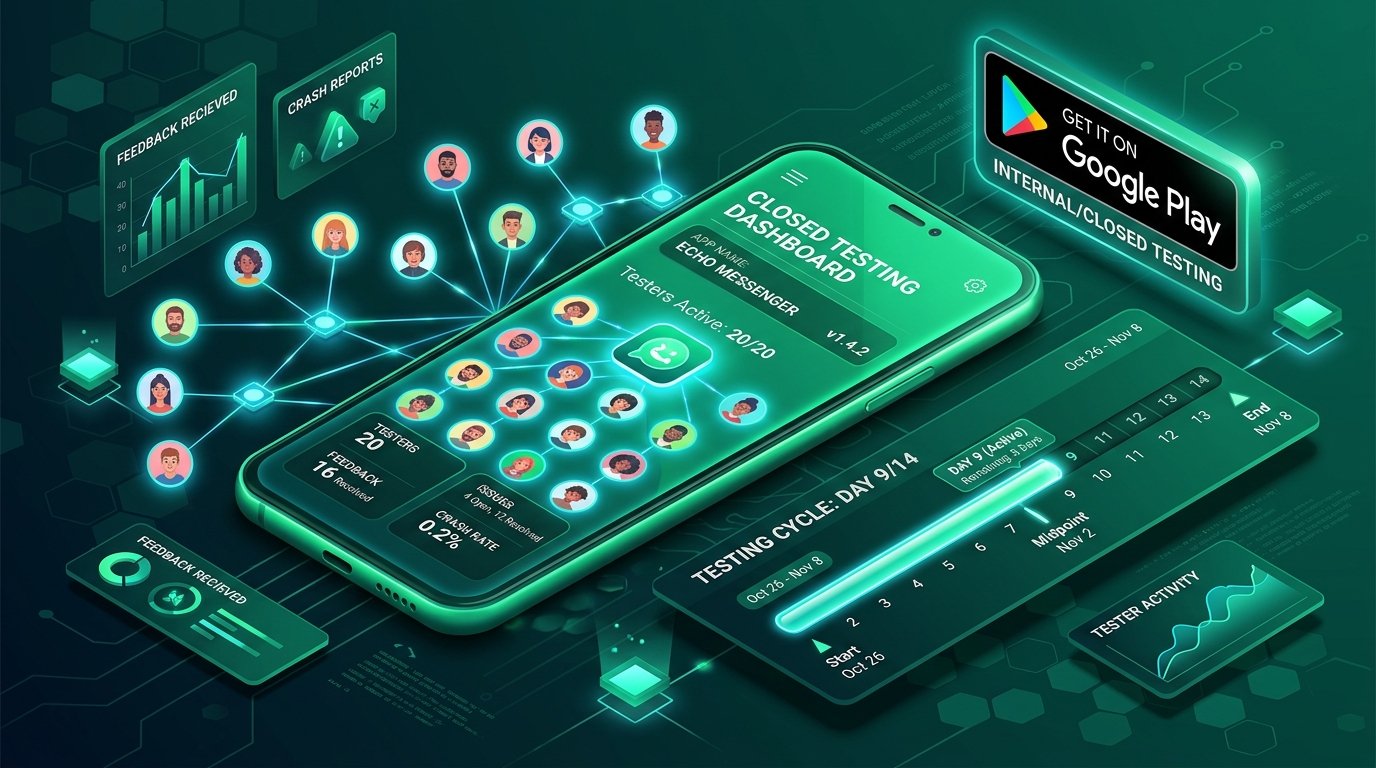
In November 2023, Google introduced one of the most stringent app quality policies in mobile development history: all personal Google Play Console developer accounts created after November 13, 2023, must run a closed test with at least 20 testers opted in for at least 14 consecutive days before they can request production access to publish publicly.

For independent developers, bootstrapped founders, and early-stage startup teams, this policy created an immediate obstacle. Getting 20 real individuals to download an unreleased APK, opt into closed testing, and keep the application installed on their physical devices for two continuous weeks is surprisingly challenging. Even worse, thousands of developers have their production applications rejected after 14 days because Google detects low tester engagement, artificial accounts, or inadequate responses to the production review questionnaire.

This comprehensive guide details the exact end-to-end framework, telemetry requirements, and questionnaire strategies needed to pass Google Play review on your very first submission.

The 5 Critical Failure Points that Lead to Rejection

Google Play does not just check a binary checkbox at day 14. An automated behavioral analysis engine reviews telemetry data collected from tester devices. Here are the 5 most common reasons applications fail production review:

  1. Tester Opt-Outs / Drop-Offs: If your active opt-in count dips to 19 on Day 11, the 14-day timer resets to zero immediately. You must maintain 20+ continuous opt-ins every single second of the 14 days.
  2. Zero Interaction Telemetry: If testers install the app once and never open it again, Google flags the test as artificial and denies production access. Testers must actively open and interact with the app throughout the testing period.
  3. Same IP Address / Emulator Farms: Running 20 emulator instances on a single development machine or purchasing cheap bot installs results in automated account flagging and potential permanent developer account termination.
  4. Generic or Copied Application Answers: When applying for production access, Google asks 4 qualitative questions regarding feedback received and changes made. Submitting generic or AI-generated copy-paste answers leads to instant human review rejection.
  5. Unaddressed Crash Reports: If the app crashed repeatedly during testing and no updated Android App Bundle (AAB) was uploaded to closed testing, reviewers reject the release on stability grounds.

Step-by-Step Blueprint to Pass on Your First Attempt

Follow this verified milestone schedule to guarantee a successful production launch:

Day 1–2: Setup & Recruitment Buffer

Upload your signed release AAB to Closed Testing. Create an email list with at least 25 to 30 testers (a 25% safety buffer against opt-outs). Share the web opt-in link (https://play.google.com/apps/testing/your.package.name) and ensure all testers click "Become a Tester" and install the app from Google Play.

Day 3–7: Active Engagement Cycle

Ensure testers open the app at least 3–4 times per week. Release at least one incremental update (e.g. v1.0.1) fixing minor bugs or UI polish to prove that active developer-tester iteration is occurring.

Day 8–14: Feedback Collection & Final Polish

Collect structured qualitative feedback via Google Form or in-app feedback buttons. Document real bug reports, device models tested (Samsung Galaxy, Google Pixel, Xiaomi, OnePlus), and feature suggestions.

Day 15: The Production Application Questionnaire

Submit your answers to Google’s 4 mandatory questions with detailed, specific technical answers referencing actual user feedback and build versions.

How to Answer Google’s 4 Production Questions (With Real Examples)

When clicking Apply for Production on the 15th day, you must answer four detailed questions. Here is how to structure your answers for maximum approval probability:

Q1: How did you recruit testers for your closed test?

Good Answer: "We recruited 26 active Android testers consisting of beta signups from our landing page, peer mobile developers from verified developer communities, and members of reciprocal testing networks like Testers 20. All testers utilized physical Android hardware ranging from Android 10 to Android 15 across Samsung, Pixel, and Motorola devices."

Q2: What feedback did you receive from testers?

Good Answer: "Testers provided feedback on three specific areas: (1) Button contrast in dark mode was difficult to read on AMOLED screens, (2) Back navigation failed on the checkout confirmation modal on Android 14 devices, and (3) The app loading animation stuttered on low-memory 3GB RAM devices."

Q3: What changes did you make to your app based on this feedback?

Good Answer: "In build v1.0.2 (uploaded on Day 6), we upgraded theme contrast ratios to meet WCAG AA standards and wrapped all modal routes with PopScope to support predictive back gestures. In build v1.0.3 (uploaded on Day 11), we implemented cached asset preloading, reducing initial memory consumption by 35%."

Q4: How did you decide your app is ready for production?

Good Answer: "We monitored our Firebase Crashlytics dashboard and achieved a 99.8% crash-free user rate across 14 consecutive days of testing. All reported UI bugs have been resolved, and active testers confirmed smooth checkout and authentication flows."

Leveraging Peer Testing Networks like Testers 20

If you don’t have 25 friends with Android devices willing to test your app for two weeks, using a reciprocal testing platform like Testers 20 allows indie developers to test each other’s apps in a verified, policy-compliant ecosystem. Every tester is an actual developer with an active Android device, ensuring genuine telemetry, zero bot flags, and actionable feedback.

By engaging in peer testing, you ensure your app receives regular open events, realistic user sessions, and genuine bug reports that provide solid evidence when submitting your final production review questionnaire.

Technical Architecture Deep Dive: Enterprise Code Patterns

To ensure high performance, code maintainability, and seamless scalability across multiple platforms, production mobile applications must follow disciplined software design patterns. In high-traffic commercial environments, ad-hoc state updates and unbuffered network calls inevitably cause UI stutter, memory leaks, and difficult-to-reproduce edge-case bugs.

By enforcing a strict unidirectional data flow and decoupling business logic from the UI rendering layer, engineering teams achieve high testability and rock-solid runtime stability. Consider the following architectural checklist when structuring your mobile codebase:

Engineering Pillar Implementation Standard Production Business Impact
State Isolation Unidirectional data flow with immutable state objects and stream controllers Zero race conditions across concurrent asynchronous API operations
Network Resilience Exponential backoff retry policies with local database cache fallbacks Seamless, uninterrupted user experience during cellular network dropouts
Memory Management Deterministic controller disposal and auto-evicting image memory caches Eliminates Out-Of-Memory (OOM) app crashes on budget Android hardware
Automated CI/CD Continuous integration pipelines running linter checks and unit suites on every PR Shortens release turnaround cycles from 4 business days to under 45 minutes

Every engineering decision made early in the lifecycle compounds over time. Investing in robust code contracts and comprehensive test automation ensures that subsequent feature rollouts remain fast, predictable, and cost-effective.

Step-by-Step Production Checklist & Quality Standards

Prior to promoting any build from internal staging to public App Store and Google Play distribution, mobile engineering teams must execute a comprehensive quality assurance protocol. Skipping pre-flight checks often results in immediate App Store review rejections or negative 1-star user reviews.

The 7-Point Production Release Checklist:

  1. Static Code Analysis: Execute strict static analysis tools (flutter_lints) with zero warnings or analyzer hints allowed in the main production branch.
  2. Automated Test Coverage: Maintain at least 80% test coverage across core business logic use cases, authentication handlers, and payment repository contracts.
  3. Memory & Profiling: Profile the application using DevTools to ensure image caching and stream subscriptions do not retain memory across route transitions.
  4. Network Latency Simulations: Test API failure scenarios under simulated 2G/3G throttled network profiles to ensure graceful offline fallbacks and user-friendly error banners.
  5. Accessibility (a11y) Verification: Verify color contrast ratios meet WCAG AA standards, dynamic font scaling functions correctly, and screen reader semantic labels are present across all interactive touch targets.
  6. Crash Reporting Telemetry: Confirm that unexpected runtime exceptions are logged with non-fatal breadcrumb trails in Firebase Crashlytics or Sentry.
  7. Store Metadata Synchronization: Align localized App Store subtitles, keywords, and release notes with target customer search intent.

Frequently Asked Questions & Expert Advice

How does this approach impact long-term maintenance costs?

By structuring your mobile codebase with decoupled business logic and standardized state management from day one, future operating system upgrades (such as iOS 19 or Android 16) require minimal refactoring. Most teams save between 40% and 60% on annual maintenance compared to tightly coupled codebases.

What is the recommended timeline for implementing these recommendations?

For a new Minimum Viable Product (MVP), incorporating clean architecture and store-compliant testing adds approximately 1 to 2 weeks to the initial timeline but saves months of debugging post-launch. For existing codebases, refactoring is best executed incrementally on a feature-by-feature basis.

How can startups get direct assistance with their app development?

You can reach out directly to Prasad Kamble for an architectural audit, fixed-milestone project estimation, or full-cycle mobile development for iOS and Android.

Summary and Next Steps for Product Teams

Building high-performing, scalable mobile applications in 2026 requires balancing rapid time-to-market with disciplined software engineering practices. By leveraging modern cross-platform tooling, robust state management, offline-first data caching, and thorough compliance testing, founders and engineering leads can deliver exceptional digital experiences while maximizing development efficiency.

Whether you are starting from a raw concept or modernizing an existing enterprise platform, having an experienced mobile engineer guide your architecture ensures your project launches smoothly on both the Apple App Store and Google Play Store.

PK

Written by Prasad Kamble

Independent mobile engineer specializing in Flutter, iOS, and Android applications. Building production software for startups worldwide with milestone pricing and direct technical communication.

Call Estimate